
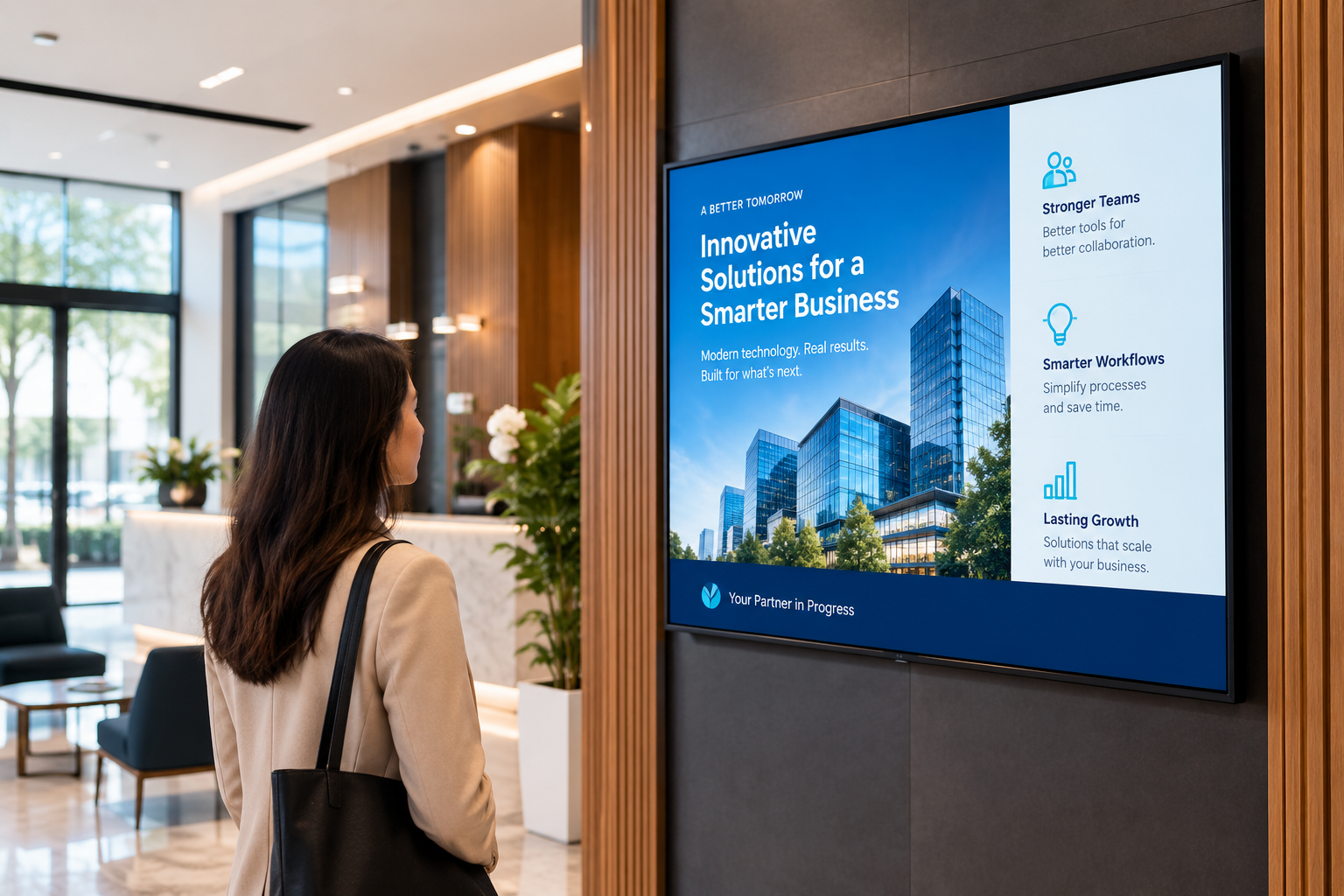
You may have noticed digital screens in places where you would normally expect to see a poster or printed sign. A store might use one to show an offer. A restaurant may have a digital menu behind the counter. An office might use a screen for announcements or visitor information.
These are all examples of digital signage.
The basic idea is quite simple. Instead of putting information on a printed sign, a business displays it on a screen. When something needs to change, the content on the screen can be changed too.
That makes digital signage useful for businesses where information, promotions, or announcements change regularly.
What Is Digital Signage?
Digital signage is the use of digital screens to display information to people in a particular place.
The screen itself can be a TV, commercial display, or another compatible screen. What it shows depends on the business. It could be a photograph, a video, a menu, a price, a promotion, or a simple message.
For example, a clothing store may have a screen near the entrance showing its latest collection. A restaurant could use screens to display its menu. An office could use one to welcome visitors or share an important announcement.
The screen is only one part of the setup. There is also software behind it that allows the business to manage what appears on the display.
How Does It Work?
Think of it like this.
First, there is the screen where people see the content. A compatible device or media player connects to the screen and runs that content. Then there is the digital signage software, which is where the business manages everything.
A team can upload an image or video, choose where it should be displayed, and publish it. If the content needs to appear at a particular time, it can also be scheduled.
For instance, a retailer could prepare a weekend promotion in advance and schedule it for the dates when the offer is running. Once the promotion is over, another piece of content can take its place.
So while there are a few technical parts involved, the everyday process for the person managing the screens is fairly straightforward.
What Can Be Displayed?
Digital signage is not limited to advertisements.
What goes on the screen really depends on the place and the reason for having the display there.
A business might use it for:
- Product information
- Special offers and promotions
- Images and videos
- Menus and prices
- Announcements
- Directions and wayfinding
- Internal company information
A screen in a shop may need to catch a customer's attention, while one in an office may mainly need to provide information. The content can be different even though the same basic technology is being used.
Where Do Businesses Use It?
There are plenty of places where digital signage can be useful.
Retail stores are a common example. Screens can be used to introduce products, promote a sale, or share information with shoppers.
Restaurants can use them for menus, meal options, or special offers. Hotels may display directions, guest information, or announcements. Offices can use screens for internal communication, meeting information, or messages for visitors.
Schools and other educational spaces can also use digital displays to share notices and updates.
In each case, the purpose is slightly different. The screen simply gives the business another way to communicate information.
Why Use a Digital Screen Instead of a Printed Sign?
The biggest difference becomes obvious when something needs to change.
Imagine a shop has a poster advertising a sale that ends on Sunday. On Monday, that poster needs to come down. If the next promotion is already planned, a new sign needs to go up.
A digital screen can be updated instead.
The same applies to a restaurant changing a menu, an office changing an announcement, or a hotel updating information for guests.
This does not mean printed signs are no longer useful. They still have their place. Digital signage is simply more convenient when the information needs to be changed regularly.
What About Businesses With Multiple Locations?
Managing one screen is fairly simple. Managing screens in several stores is a different matter.
A business with multiple locations may want the same campaign to appear everywhere. At the same time, one store may need to show something that only applies to its own customers.
This is where a central digital signage platform can be useful.
Instead of treating every screen as a separate setup, the team can manage its content from one place. Content can be assigned to particular screens or locations, and schedules can be set according to what needs to be shown.
That can save the team from making the same update separately at every location.
Digital Signage with SignageHome
SignageHome is built around this type of screen management.
From the web portal, teams can work with templates and media, pair compatible devices, organize screens by location, and schedule content. They can then assign content to the screens or locations where it needs to be displayed.
For a business with several screens, keeping these tasks together can make the setup easier to manage.
Is Digital Signage Only for Advertising?
Not at all.
Advertising is one use, but it is only part of the picture.
A screen can tell customers where to go. It can show a menu. It can introduce a new product. It can display an announcement that employees need to see.
Sometimes the most useful content on a screen is not trying to sell anything. It is simply giving people the information they need at the right place.
That is one reason digital signage can work in so many different types of businesses.
Conclusion
Digital signage is, at its simplest, a way of using screens to share information that can be changed when needed.
A business can use it for promotions, products, menus, announcements, directions, or internal communication. The content can be managed through digital signage software rather than having to replace a physical sign every time something changes.
For businesses with several screens or locations, a platform such as SignageHome can bring content, devices, and scheduling into one place.
The technology may involve a screen, a connected device, and management software, but the idea behind it is simple: put the right information on the right screen and change it when the business needs to.