Digital Signage Design Tips for Beginners
Digital signage is a popular tool among modern companies that want to provide vital information, advertise their products, and communicate with customers through digital screens. However, an attractive design is not the only important aspect of a display. An effective layout ensures that your company conveys the right information to the target audience clearly.
The process of creating content for digital signage may seem overwhelming for those who have never done it before. Fortunately, these digital signage design tips can guide beginners through creating displays that provide informative and engaging content for their business.
1. Simplicity Should Be an Overriding Theme
Your design should contain a single prominent message, not five. Too many flashy words and images can confuse viewers. A simple layout with a minimal number of elements helps deliver a clear message to customers.
Any additional text or visuals that do not clarify the main point should be removed from the layout. This makes the content easier to understand and remember.
2. Pay Attention to Readability
It is important to choose a font that ensures the text is legible and easy to understand from different distances. Font sizes should also be selected carefully, as text that looks clear up close may appear too small when viewed from a distance.
As a general rule, simple fonts work best. Use bold text to emphasize words that need extra attention, and avoid using too many different font styles to prevent visual clutter.
3. Make Smart Use of Contrast and Color
Color is one of the most powerful tools available to a designer and plays an important role in highlighting key information. Good contrast makes text easier to read, so always consider the relationship between text and background colors.
Light text on a dark background, or dark text on a light background, can improve readability when the contrast is sufficient. In addition, companies should follow their brand guidelines and use colors that match their established visual identity.
4. Images Bring Ideas to Viewers' Attention
A picture is worth a thousand words, and this also applies to digital signage. High-quality images help audiences understand the purpose of a message quickly by adding context to the main idea.
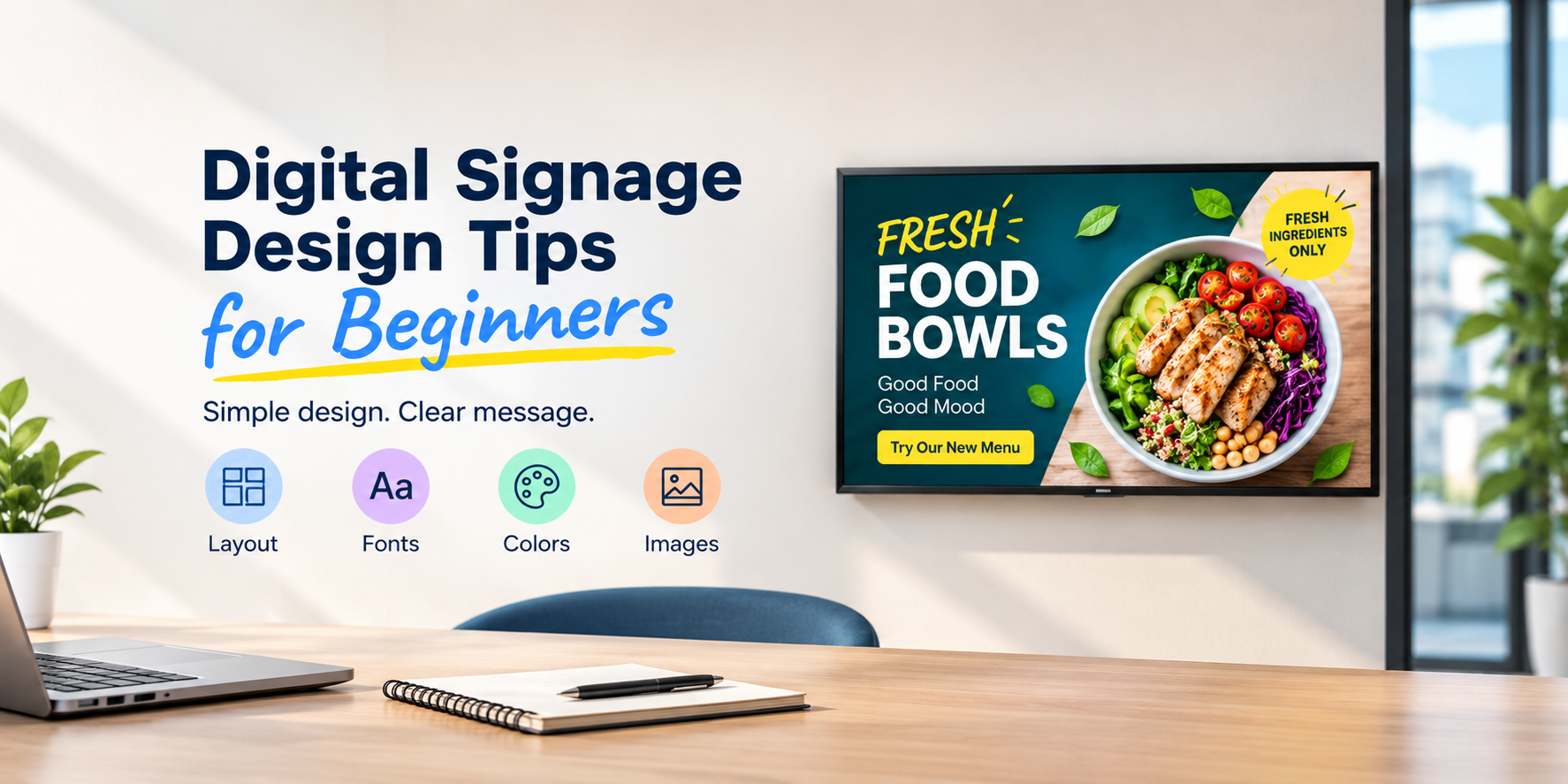
Images should always be relevant to the content being displayed. A company may use product images for retail promotions, food photography for restaurants, and office visuals for workplace announcements. The selected images should also be clear and suitable for the screen's resolution.
5. Keep Branding Consistent
Consistent branding enables a company to build a strong and distinctive identity that helps it stand out from competitors. Using the same brand colors, logos, and image styles across different screens creates a more recognizable visual experience.
Businesses exploring digital signage solutions can learn more about SignageHome and its platform for managing digital display content. A consistent design approach can help businesses maintain their brand identity across different displays.
6. Design Based on the Screen and Viewing Area
Monitors placed in different locations have varying visibility requirements. A screen located on a busy street has different needs from one installed in an office.
Several factors should be considered when designing digital signage, including viewing distance, screen size, resolution, and viewing angle. Think about what the target audience should notice first and position the most important information accordingly.
7. Use Eye-Catching Animations Carefully
Animations are another useful feature of digital signage. However, movement can sometimes draw attention away from text and images. Use animation to highlight key elements or important messages when it supports the overall purpose of the display.
Too many special effects can confuse and distract customers. Moderate effects, such as simple transitions, often create a cleaner appearance and make the content easier to follow.
8. Review and Update Your Display
Before displaying text and images on screens, double-check the accuracy of the information and look for spelling or grammatical errors. Correct any mistakes before publishing the content.
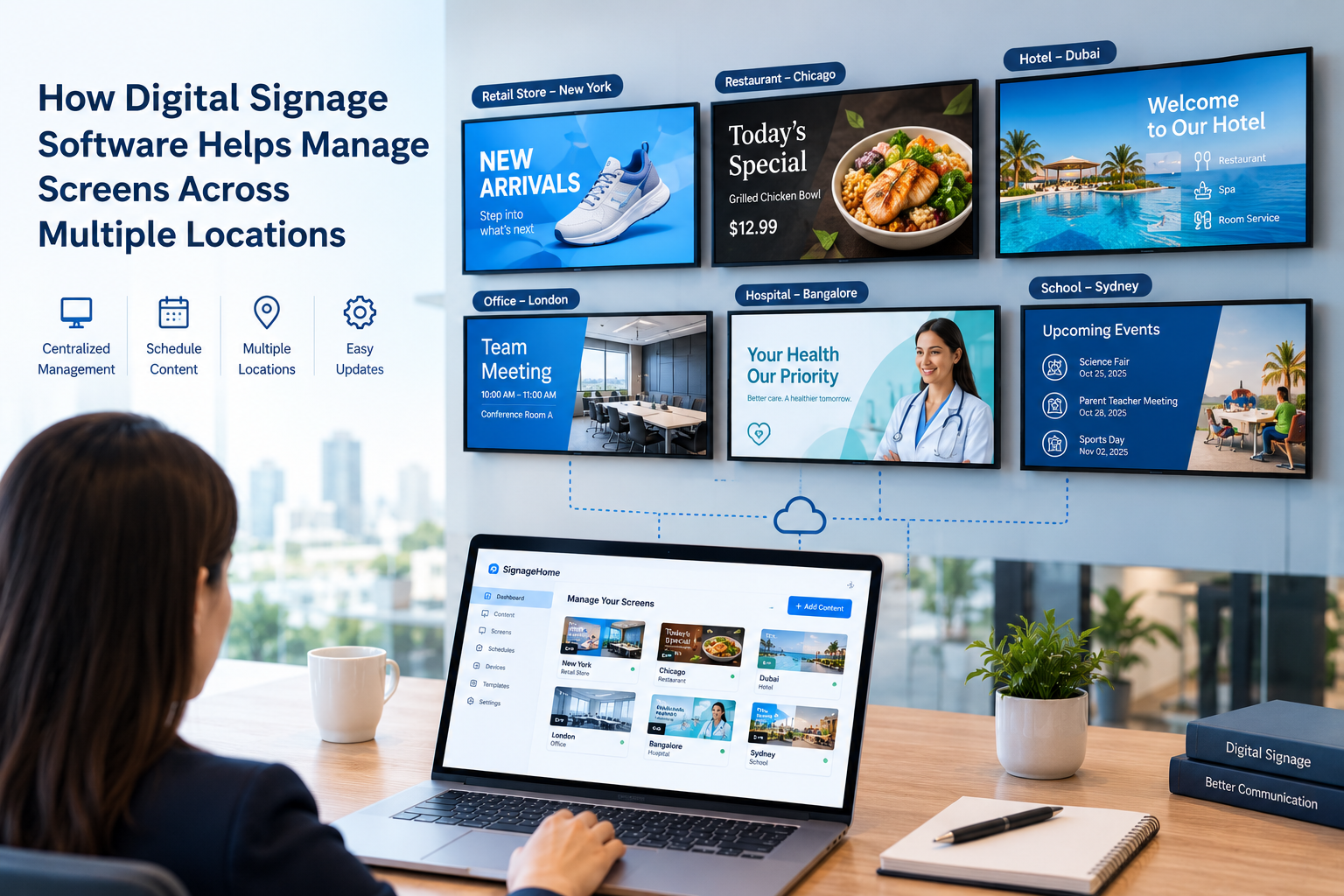
Suitable digital signage software can help businesses manage screen content and, depending on the platform's features, schedule updates or automate certain content-management tasks. Regular reviews also help ensure that displays contain relevant and up-to-date information.
Conclusion
Creating an effective digital signage display does not require advanced design knowledge. The key is to use simple layouts, readable text, appropriate colors, and relevant visuals without overloading the screen with special effects. By following these digital signage design tips for beginners, businesses can create informative displays that keep customers interested and updated.