Introduction
When digital screens require separate content, schedules, or maintenance, organizations need a more efficient way to manage them. Businesses with multiple locations, departments, or displays can benefit from digital signage software that supports centralized content publishing and screen management.
A digital signage system generally includes displays, compatible devices, and software used to organize and publish on-screen content. Together, these components help businesses manage information across different locations and devices.
How Can Digital Signage Software Help Manage Multiple Screens?
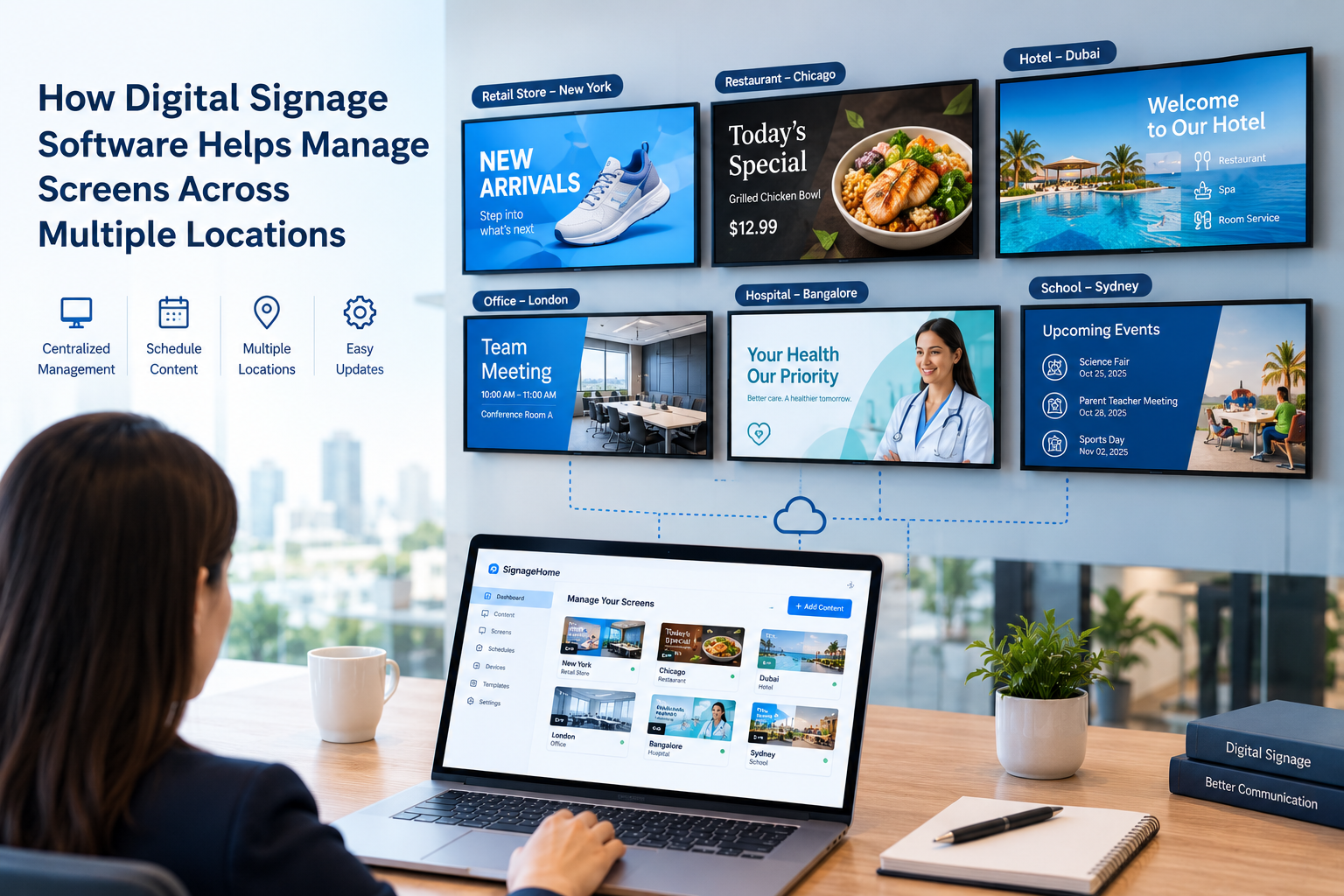
Digital signage software provides a centralized way to organize, manage, and distribute content to selected displays. Depending on the platform's features, businesses can prepare media, assign content to specific screens, and schedule updates through a single application. This can reduce repeated manual work when the same information needs to appear across multiple locations.
Why Is Managing Multiple Screens a Challenge?
When several displays are managed separately, businesses may need to repeat the same updates for different locations or devices. This can make daily screen management more time-consuming.
Common challenges include:
- Limited centralized management: Updating content across multiple locations may require repetitive work.
- Content inconsistencies: Different displays may show outdated or mismatched information.
- Scheduling difficulties: Promotions and announcements may need different schedules across locations.
- Limited visibility: Teams may overlook content that needs to be revised or removed.
- Growing management requirements: Managing additional screens can become more complex as a business expands.
Key Benefits of Digital Signage Software for Multiple Locations
1. Centralized Content Management
A centralized dashboard helps teams organize and distribute content without relying on separate workflows for every display. Depending on the software, users may be able to prepare media, select screens, and publish updates from one place.
For example, a retailer can prepare a promotion and publish it to selected store displays. Businesses exploring digital signage software can review how this type of platform supports screen content management.
2. Content Scheduling
Digital signage software may allow businesses to schedule content for specific displays and time periods. This can be useful for promotions, announcements, menus, and other information that changes throughout the day.
For example, a restaurant may display breakfast information in the morning and switch to lunch content later. Businesses should confirm that the scheduling features available in their chosen platform meet their requirements.
3. Consistent Branding with Location-Specific Content
Businesses operating across several locations often need to maintain a consistent brand identity while presenting information relevant to each branch. Digital signage software can help teams distribute common content while assigning location-specific messages where supported.
Reusable digital signage templates can also help maintain a consistent visual style and reduce the need to design every display from scratch.
4. Better Organization of Screens, Locations, and Devices
As the number of displays grows, an organized content management process becomes increasingly important. Depending on the platform, businesses may be able to group screens by location, department, or purpose.
Clear names for devices and locations can also help teams select the intended displays when publishing or scheduling content. This reduces confusion and helps prevent content from being assigned to the wrong screen.
5. Simpler Content Revisions and Updates
Business information changes regularly. Retail promotions expire, restaurant menus are revised, and company announcements need to be replaced. A centralized workflow can make it easier to prepare updated content and publish it to selected displays.
The speed and availability of updates depend on the software, compatible devices, and network connection. Businesses should review published content regularly to ensure that outdated information is removed when necessary.
6. Improved Visibility into Screen Management
Businesses managing multiple displays need a practical way to review screen assignments and identify issues. Some digital signage platforms provide device status or monitoring features that help teams check connected devices and investigate display problems.
Available monitoring features vary by platform and supported hardware. Regular reviews can help teams confirm that content is current and that displays are working as expected.
Which Businesses Can Benefit from Multi-Screen Digital Signage?
Digital signage software can support communication in a range of business environments, including:
- Retail stores: Product information, promotions, and seasonal campaigns.
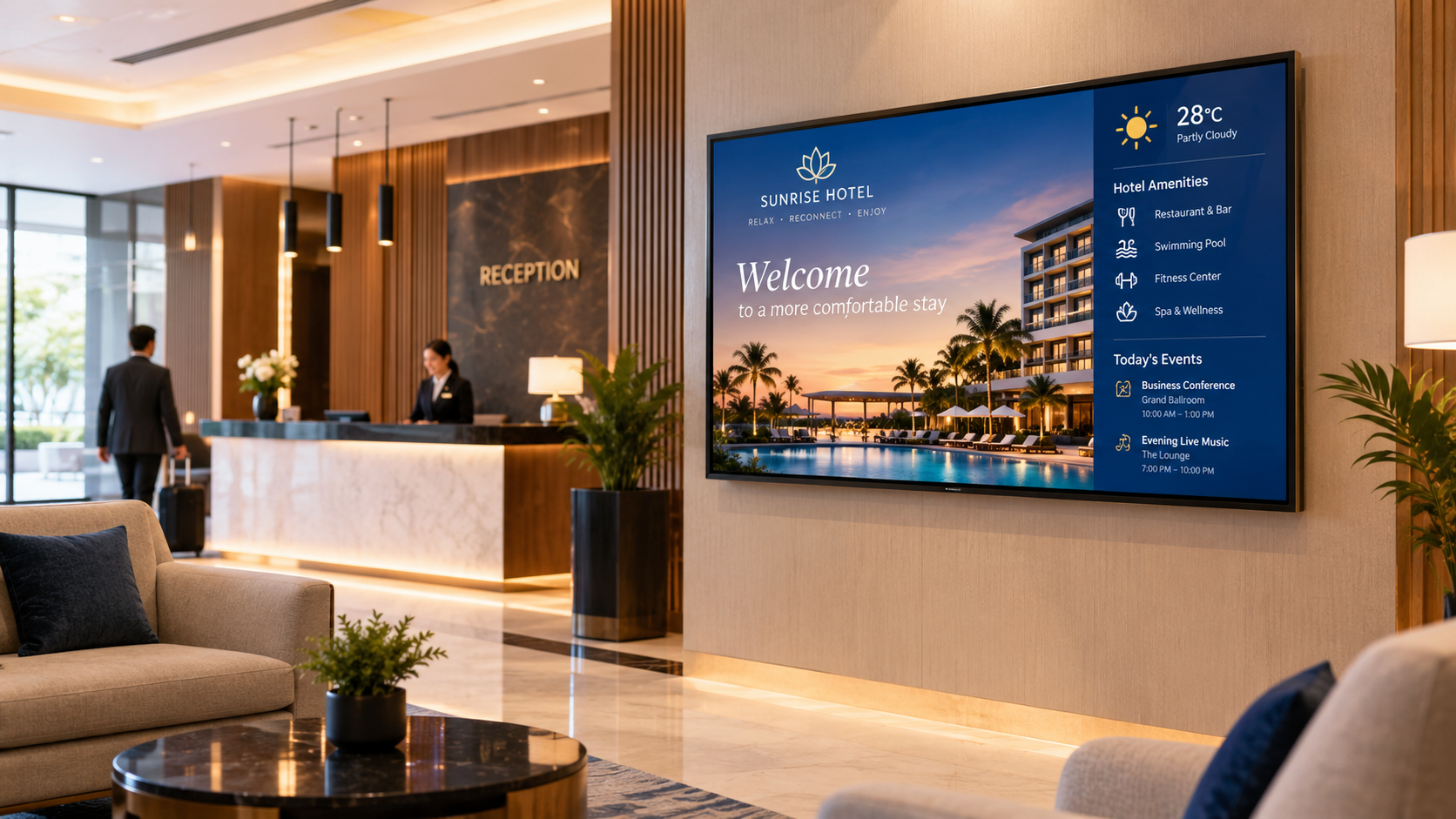
- Hotels and hospitality businesses: Guest information, event schedules, and restaurant details.
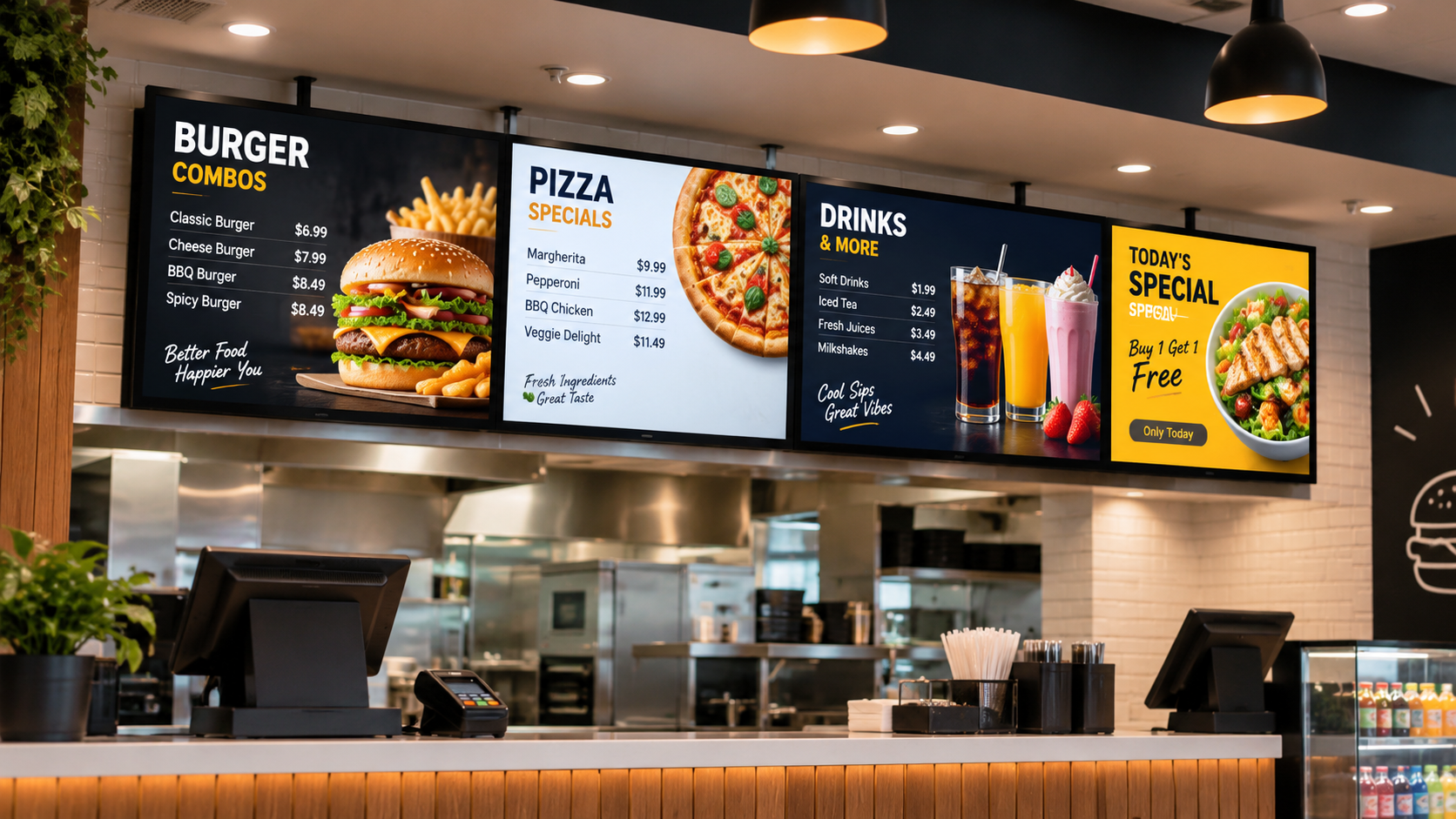
- Restaurants and cafés: Digital menus, featured items, and promotional offers.
- Corporate offices: Employee announcements, visitor information, and meeting updates.
- Schools and colleges: Event notices, schedules, and campus announcements.
The most suitable setup depends on the number of displays, the content being shared, and the business's location-specific requirements.
What Should Businesses Consider Before Choosing Digital Signage Software?
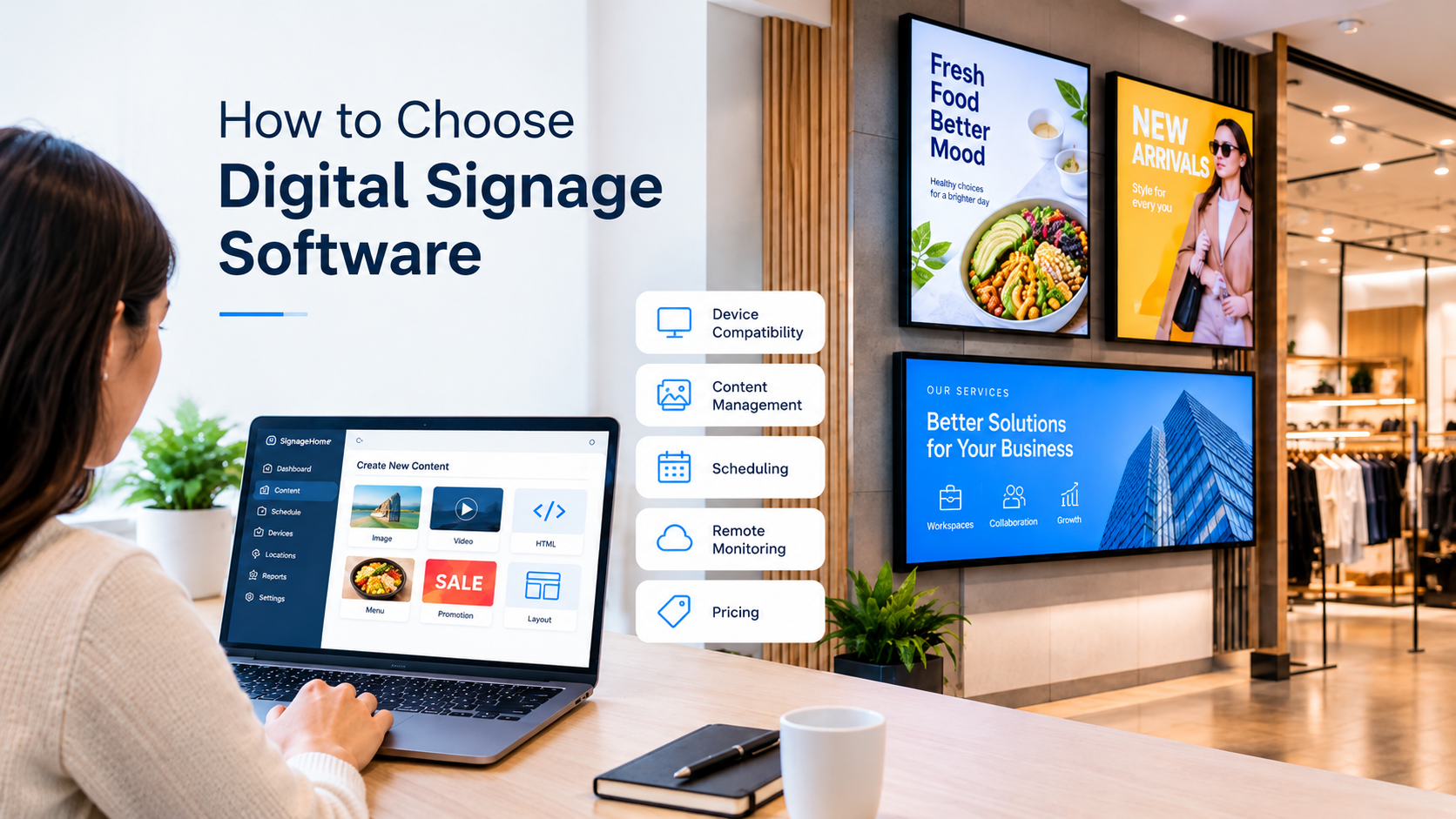
Before adopting a digital signage system, businesses should evaluate several practical factors:
- Device compatibility: Confirm support for the screens and devices already in use.
- Centralized management: Review how content is created, organized, and published.
- Scheduling: Check whether available scheduling options suit business operations.
- Screen organization: Look for ways to assign content to the right displays or locations.
- Ease of use: Choose a workflow that staff can learn and manage efficiently.
- Monitoring and support: Review the available device status features and support options.
- Scalability: Consider whether the platform can support future business needs.
Comparing these requirements can help businesses select software that fits their operations rather than relying only on a long list of advertised features.
Final Thoughts
Managing multiple digital displays becomes more organized when content, schedules, and screen assignments can be handled through a centralized process. Digital signage software can help businesses coordinate updates, maintain consistent communication, and reduce repetitive manual tasks across compatible screens.
The right solution depends on each organization's requirements, device setup, and need for location-specific content. By reviewing these factors before implementation, businesses can choose a system that supports their current operations and future growth.