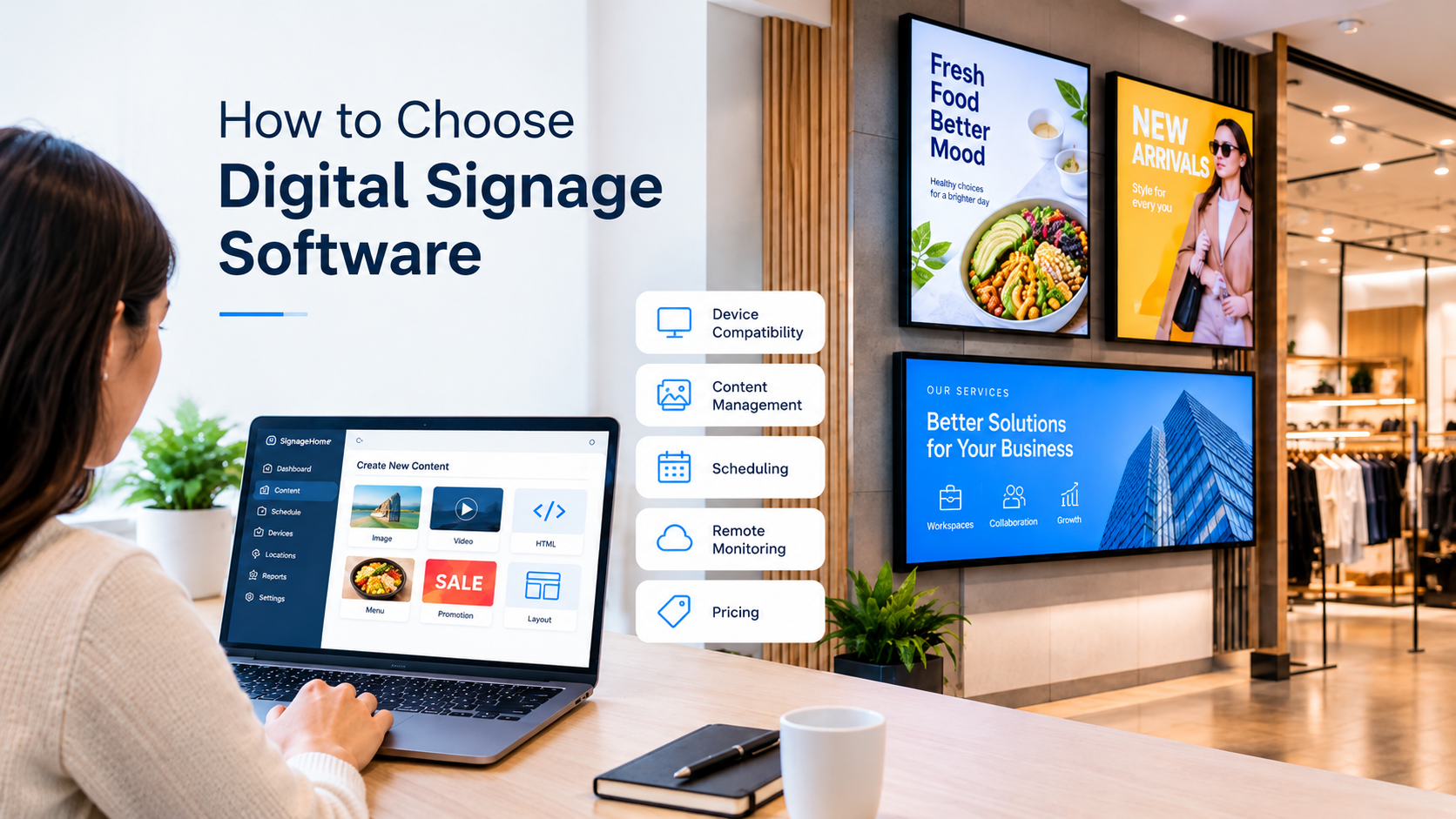
Choosing the right digital signage software requires more than comparing prices. Businesses should consider device compatibility, content management, scheduling, remote monitoring, user access, and the support available. The right platform should fit the business requirements and make it easier to manage screens from one place.
Check Device Compatibility
Before selecting digital signage software, check whether it works with the devices and screens your business uses. Review the supported operating systems and hardware requirements to make sure the software can run on your existing setup. This can help avoid compatibility issues during installation.
Look at Content Management Options
Content management is an important part of digital signage software. Check whether the platform allows you to create, edit, organize, and publish images, videos, and other supported content. You can review the available digital signage product features to understand how content and devices are managed through the platform.
Review Scheduling Features
Scheduling helps businesses decide when content should appear on their screens. Look for options to set start and end times and organize content for different displays or locations. If your business operates across multiple locations, review the digital signage solutions available for managing screens and content from one place.
Consider Remote Management
Remote management can make it easier to handle digital signage without visiting every screen location. Check whether the software lets you monitor connected devices, update content, and review device status remotely. These features can be useful for businesses managing several displays.
Understand User Access and Permissions
If several team members manage your displays, check how the software handles user roles and permissions. The right access settings help businesses assign responsibilities and control which actions different users can perform.
Compare Pricing and Support
Compare the available plans and check which features are included in each one. Consider the number of screens you need to manage, any additional costs, and the support options available. You can review the SignageHome pricing plans to understand the available options before making a decision.
Test the Software Before Committing
Where a trial or demo is available, use it to check the main features before choosing a platform. Try creating content, setting a schedule, connecting a device, and managing screen updates. This gives your team a better idea of how the software fits into daily work.
Final Checklist
Before choosing digital signage software, check the following points:
- Compatibility with your existing screens and devices
- Support for the content formats your business needs
- Scheduling options for different screens and locations
- Remote device monitoring and content updates
- User roles and access permissions
- Pricing, support, and available plan features
Comparing these factors can help you choose digital signage software that meets your current needs and can support your business as it grows.